
Introduction
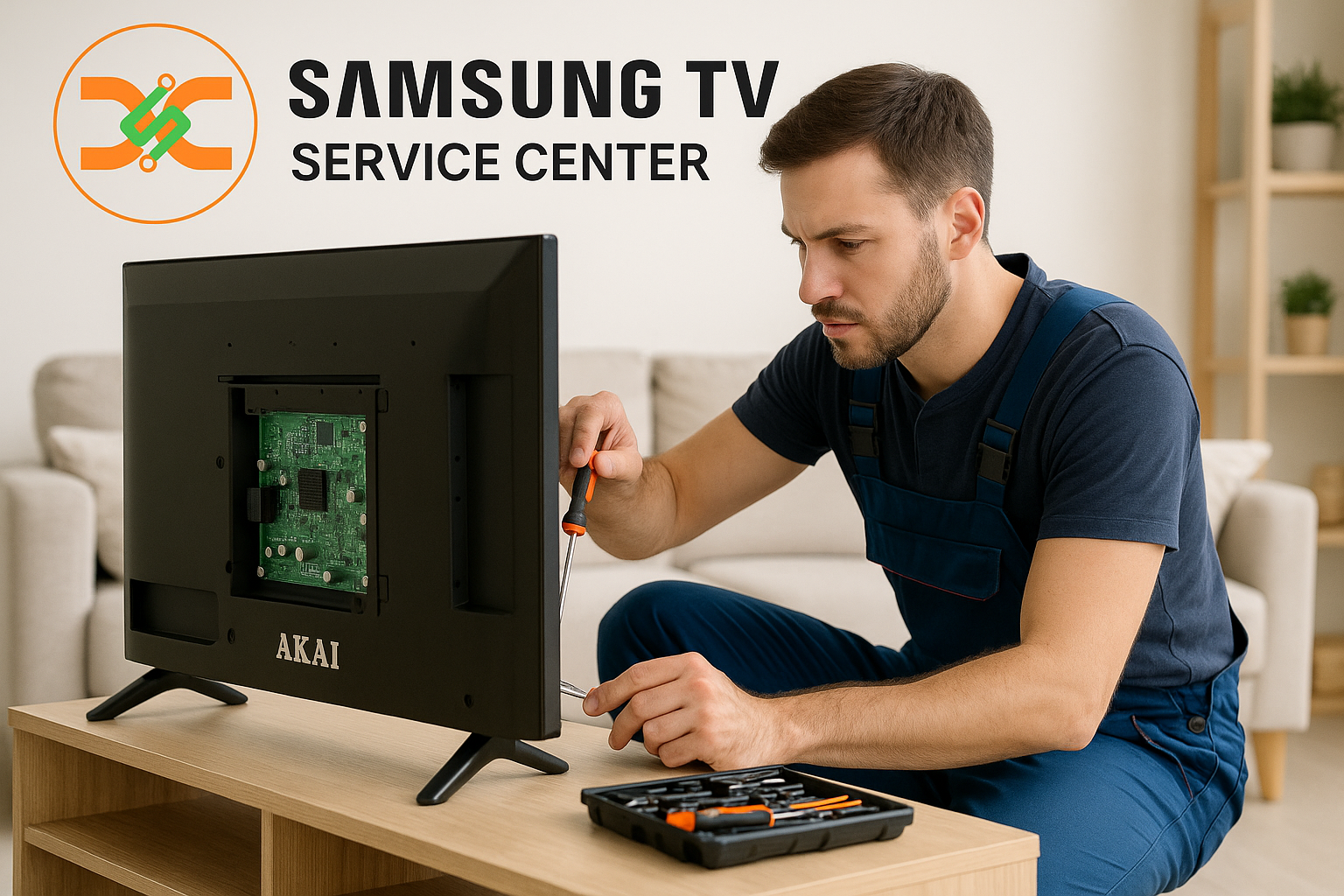
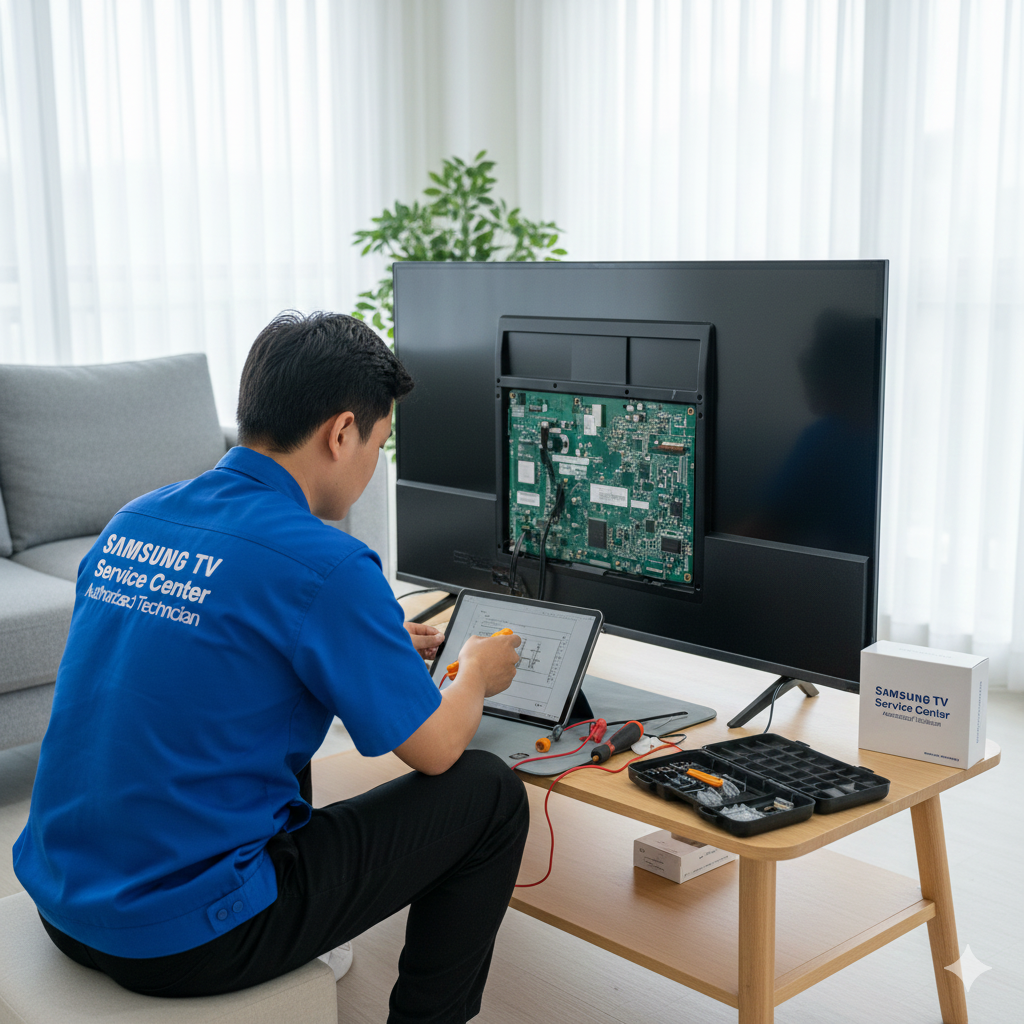
When your TV suddenly turns off in the middle of a show or movie, it can be both surprising and frustrating. Many users encounter this issue, and understanding the root cause is essential before attempting any repair. If your television repeatedly shuts down on its own, technical faults, software issues, or internal component failure may be responsible. As a trusted Samsung TV Service Center, this blog explains the exact reasons behind automatic shutdown problems and how professional technicians handle them efficiently.
A TV shutting down is not always a sign of major damage—it can be something as simple as a loose cable or as serious as a motherboard-related fault. Identifying the cause early helps prevent further damage. For reliable diagnostics, expert repair brands like Dial Service Centre offer specialized services that ensure your device is handled with care and precision.
Common Causes of Samsung TVs Turning Off Automatically
1. Power Supply Issues
One of the most frequent reasons for a Samsung TV shutting off is an unstable power supply. If the voltage fluctuates or the TV is connected to a weak power outlet, it may automatically switch off to protect internal components. Damaged power cords, loose plugs, or faulty extension boards can also interrupt the power flow. Professional technicians always check the outlet, wiring, and internal power board to confirm the root cause.
2. Overheating Problems
Smart TVs, especially when used for long hours, generate heat. If the cooling system fails or dust accumulates inside the panel, the TV begins to overheat. Samsung TVs are designed with an automatic shutdown feature that activates to prevent heat damage. Cleaning the vents, ensuring proper ventilation, and repairing the internal cooling mechanism can help overcome this issue.
3. Faulty Capacitors or Power Board
The power board is responsible for stabilizing and distributing electricity inside your TV. When capacitors swell or leak, the TV may continuously turn off or reboot. This issue requires immediate attention because ignoring it may lead to motherboard complications. Only trained service engineers can safely inspect and replace faulty capacitors.
4. Software or Firmware Errors
Modern Samsung TVs operate on advanced firmware, and incorrect updates can cause unexpected reboots or shutdowns. If your TV turns off right after powering on, a firmware glitch or corrupted operating system may be the cause. A factory reset or firmware update performed by professionals can restore the system without losing essential settings.
5. Faulty Remote Control or Power Button
Sometimes, the remote control may send unintentional signals due to stuck buttons or malfunctioning sensors. A faulty power button on the TV can also trigger random shutdowns. Removing batteries from the remote, checking for button damage, or testing the TV manually can help identify this issue.
6. Eco Mode, Sleep Timer, or Auto Power Off Settings
Samsung TVs come with several energy-saving features such as auto power off, sleep timer, eco mode, and power-saving options. If activated accidentally, these settings may cause your TV to turn off at specific intervals. Resetting or disabling these functions usually resolves the problem instantly.
7. Damaged Internal Components
If your TV suffered physical damage, moisture exposure, or internal short-circuiting, automatic shutdowns are expected. Internal components like the main board, T-Con board, or LED strips may fail, causing the TV to power off repeatedly. These issues require careful inspection by trained technicians who specialize in Samsung TV repair.
8. Internet or HDMI Connection Errors
Certain Samsung smart models may shut down or restart when connected to faulty HDMI cables or malfunctioning external devices. Sometimes, outdated or corrupted apps can also cause sudden shutdowns. Disconnecting all external devices and testing the TV alone helps determine whether the accessories are causing the problem.
Specialized Repair Services in Different Cities
Samsung TV Service Center in Thane
If you are facing issues such as automatic shutdown, flickering display, sound failure, or motherboard problems, the Samsung TV Service Center in Thane offers expert repair solutions tailored to your television model. The technicians diagnose power supply faults, software issues, backlight problems, and overheating concerns with precision. Customers benefit from doorstep support, genuine replacement parts, and systematic troubleshooting. Whether your TV needs motherboard repair, firmware updates, or power board replacement, professionals in Thane ensure reliable and long-lasting solutions with fast turnaround times.
Samsung TV Service Center in Mumbai
The Samsung TV Service Center in Mumbai provides comprehensive repair services for shutdown issues, display failures, sound disturbances, and screen malfunctions. Skilled engineers use advanced tools to identify the exact cause of automatic shutdowns, whether related to faulty capacitors, firmware errors, or internal power supply defects. With doorstep inspection, expert guidance, and high-quality components, customers receive dependable repair support. Mumbai’s service centers focus on accurate diagnosis and efficient repair work to help restore your TV’s performance quickly and professionally.
Why Professional Repair Is Important
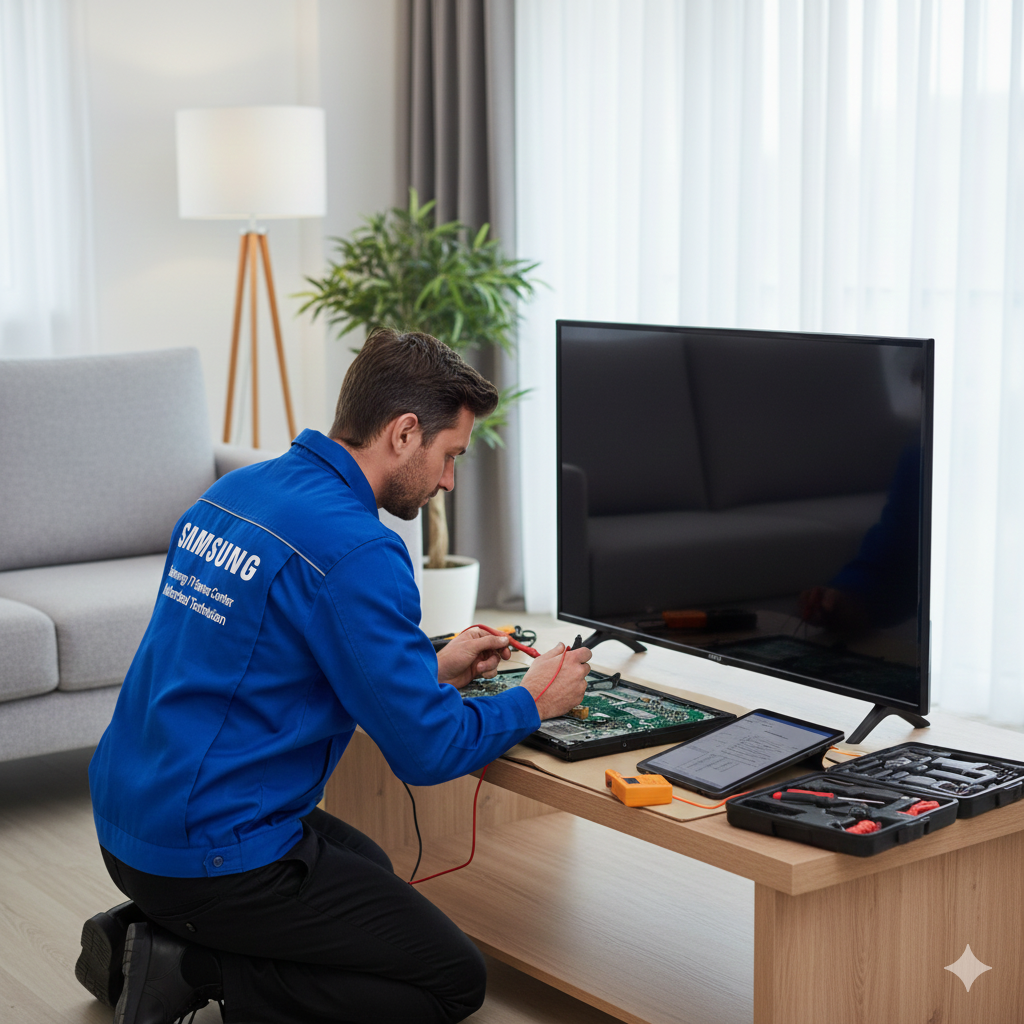
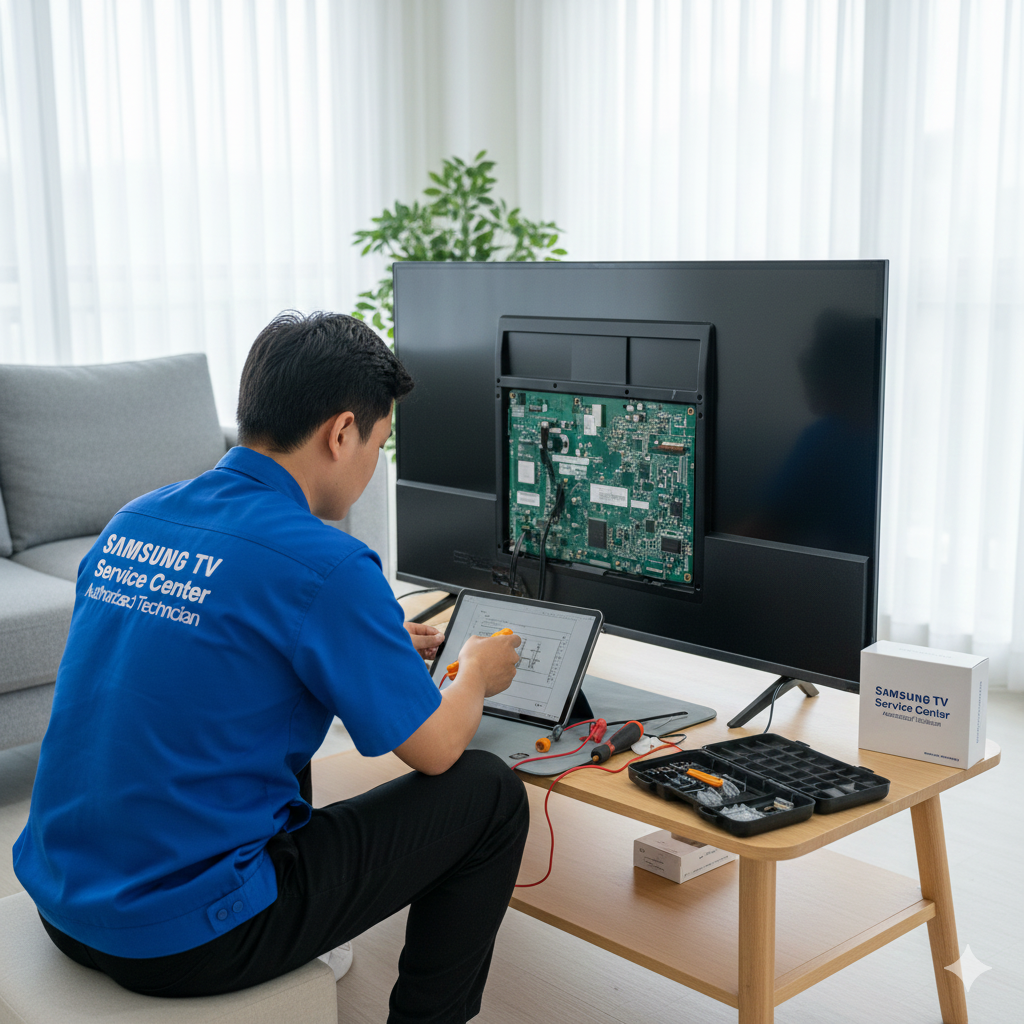
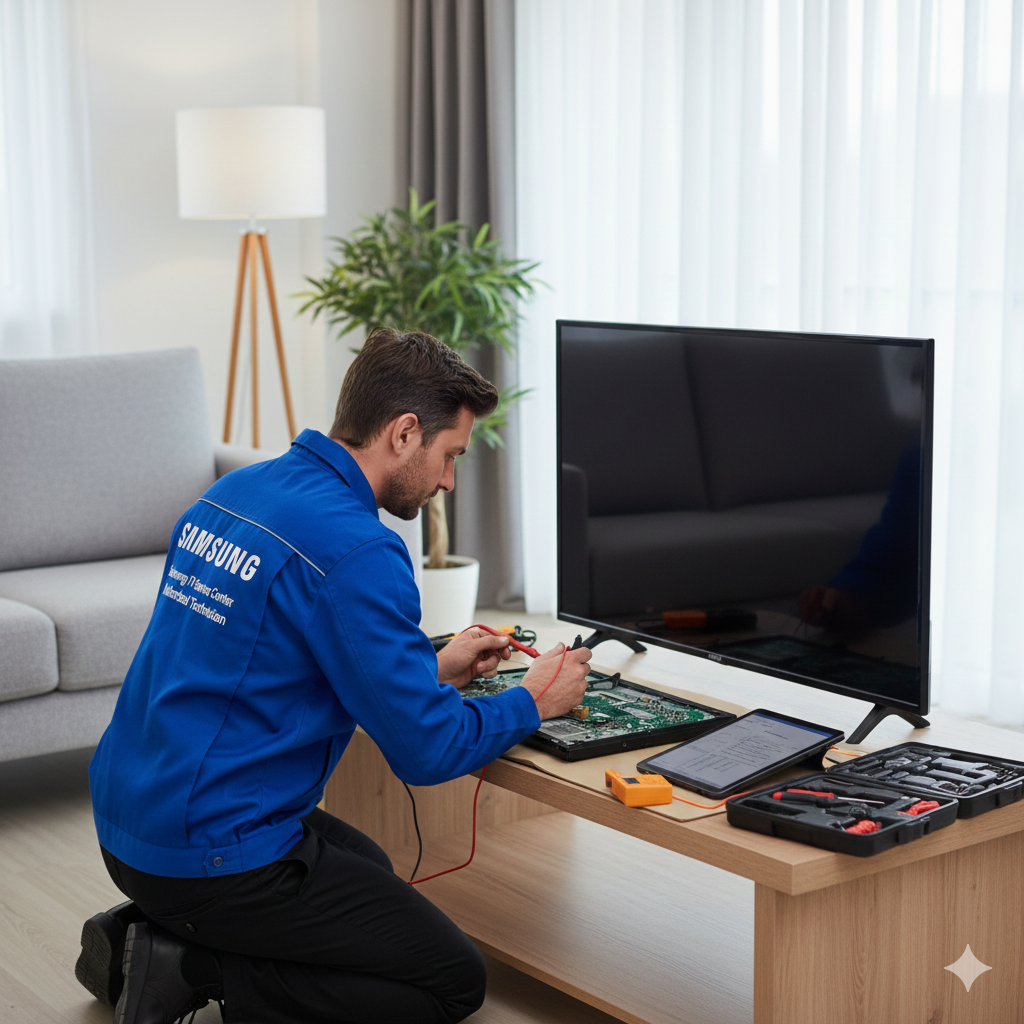
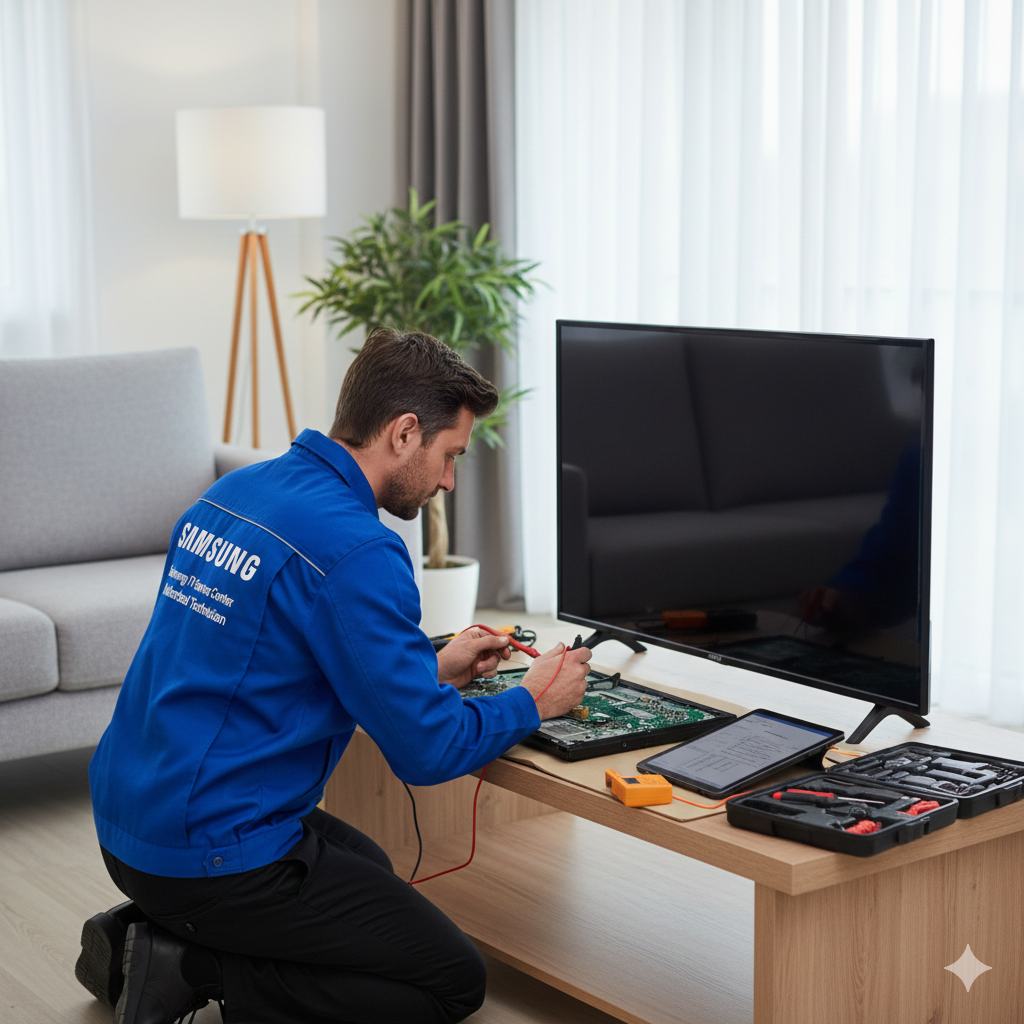
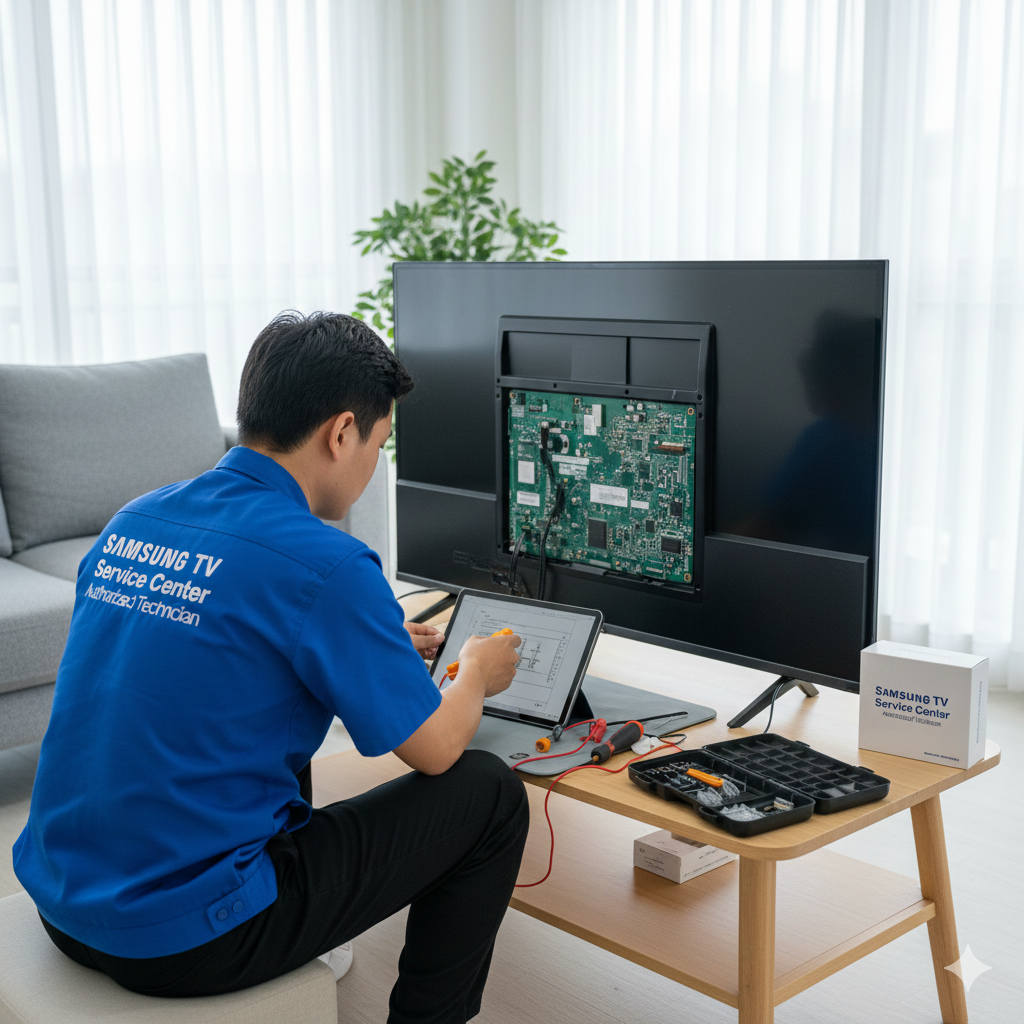
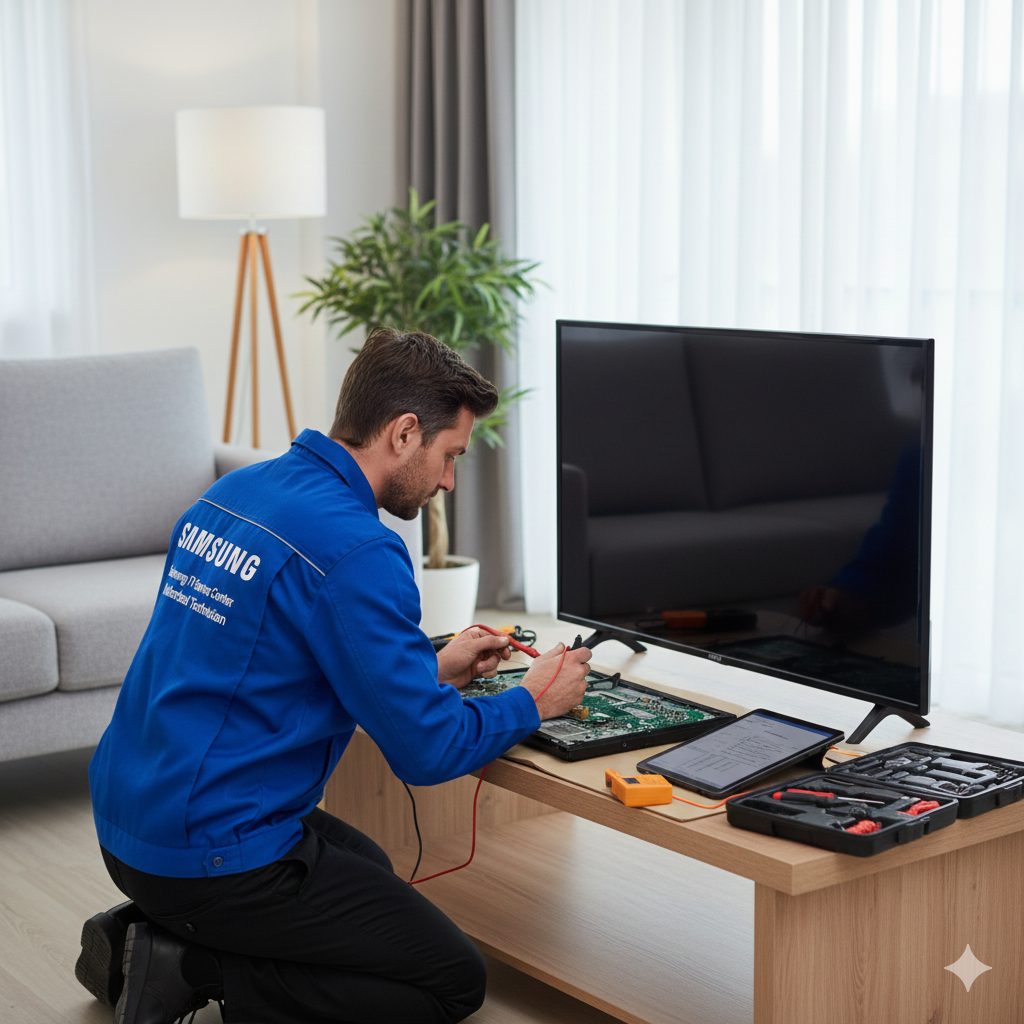
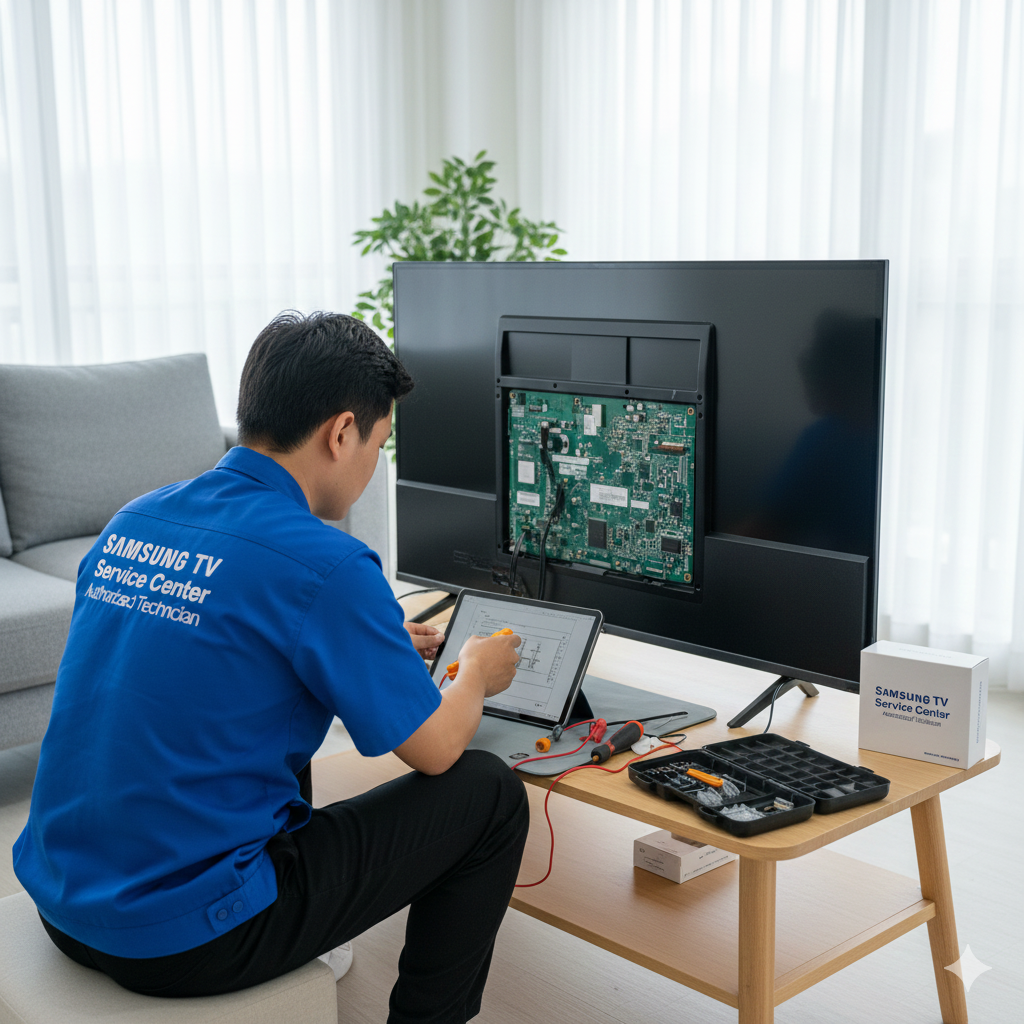
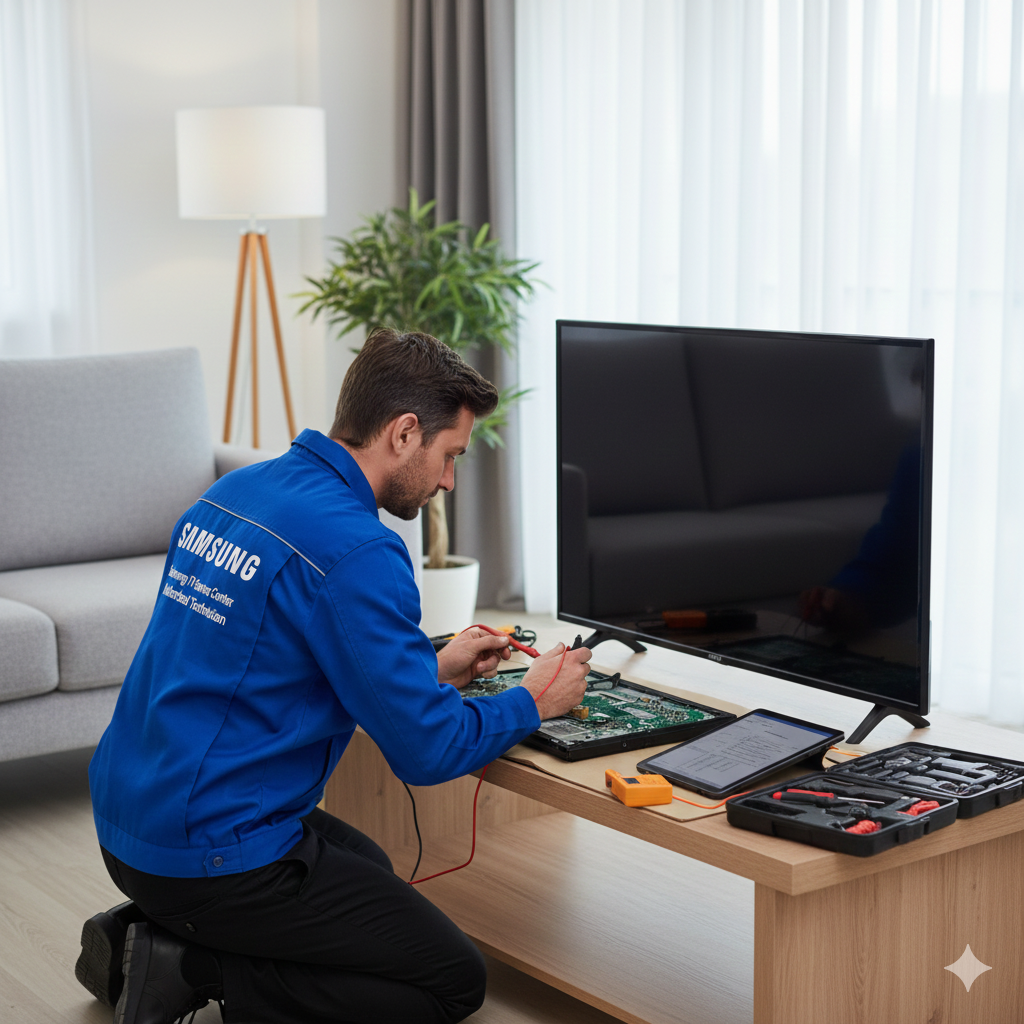
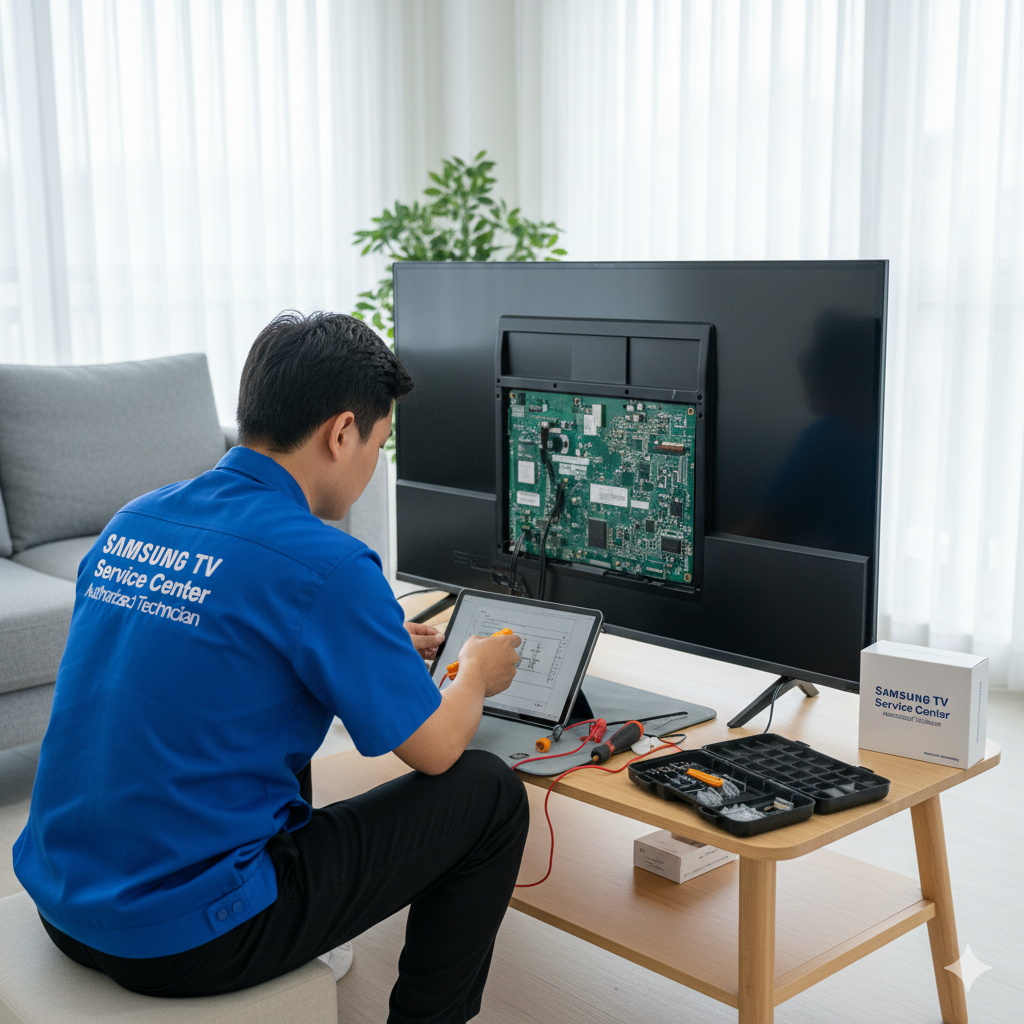
Attempting to repair a shutdown issue at home may worsen the condition of your TV. Components inside modern Samsung televisions are delicate and require specialized knowledge. A technician examines every aspect—from settings to internal wiring—possibly identifying multiple faults that the user may not notice.
Professional repair ensures:
Accurate fault detection
Safe handling of internal components
Use of genuine parts
Long-term reliability
Warranty-based repair where applicable
Service experts, including those at Dial Service Centre, prioritize safety and efficiency, ensuring that your TV receives the right treatment without unnecessary risks.
How to Prevent Samsung TV Shutdown Problems
Keep your TV’s ventilation area clean and dust-free.
Avoid covering the vents or placing the TV in a closed cabinet.
Use voltage stabilizers or surge protectors.
Check that HDMI cables and external devices are functioning properly.
Update firmware regularly.
Ensure the power cord is not damaged.
Switch off your TV during storms or power fluctuations.
Simple preventive steps can significantly reduce the risk of your Samsung TV turning off unexpectedly.
Conclusion
A Samsung TV shutting down automatically can stem from various causes—power fluctuations, overheating, firmware issues, and internal hardware problems. Identifying the reason is the key to resolving it effectively. Whether you are experiencing minor interruptions or continuous shutdowns, visiting a trusted service facility or requesting a doorstep technician ensures professional repair and long-term reliability. With the right guidance and timely support, you can restore your TV’s performance without hassle.
FAQs
1. Why does my Samsung TV keep turning off every few minutes?
This usually happens due to overheating, faulty capacitors, or incorrect power settings. A technician can diagnose the problem accurately.
2. Can a software update fix the auto shutdown issue?
Yes, if the issue is caused by firmware glitches or corrupted system files, updating or reinstalling software often resolves the problem.
3. Should I stop using my TV if it keeps turning off?
Yes, continuous use may worsen internal damage. It is best to have it inspected by a professional.
4. Can loose cables cause a Samsung TV to turn off automatically?
Loose power cords or HDMI cables can interrupt signal flow and cause sudden shutdowns.
5. Does automatic shutdown mean the TV needs replacement?
Not at all. Most shutdown issues are repairable, especially when addressed by trained service experts.
Read Our Previous Blog-------------> Can VU TV Service Centers repair backlight problems?


Write a comment ...